Blog
Fude Blog
Product updates, guides and tutos around Markdown.
Latest
Latest articles
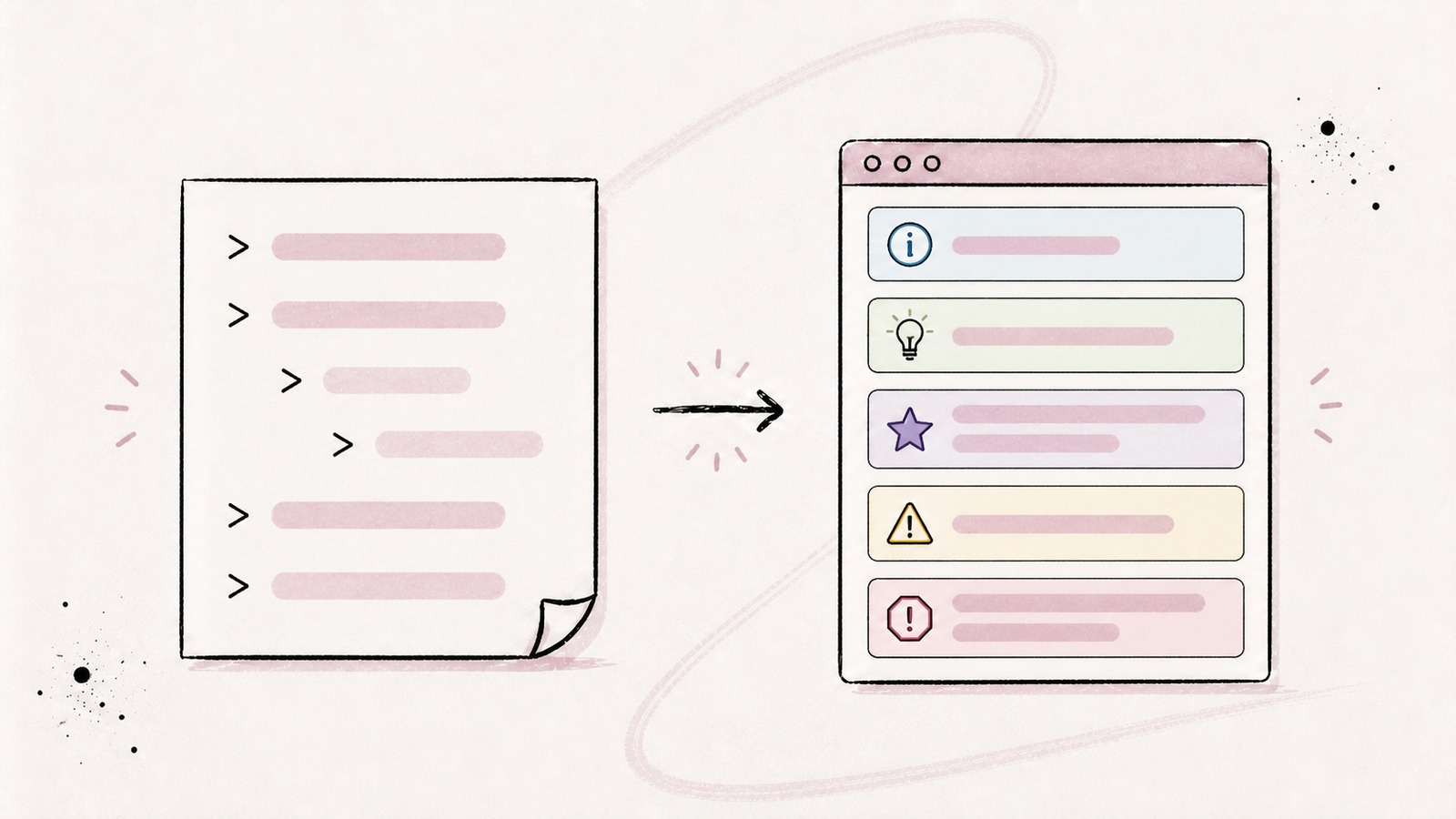
Markdown Blockquotes: Syntax, Nesting, and Callouts
Learn how to create and nest Markdown blockquotes, cite a source, and use NOTE, TIP, IMPORTANT, WARNING, and CAUTION callouts.
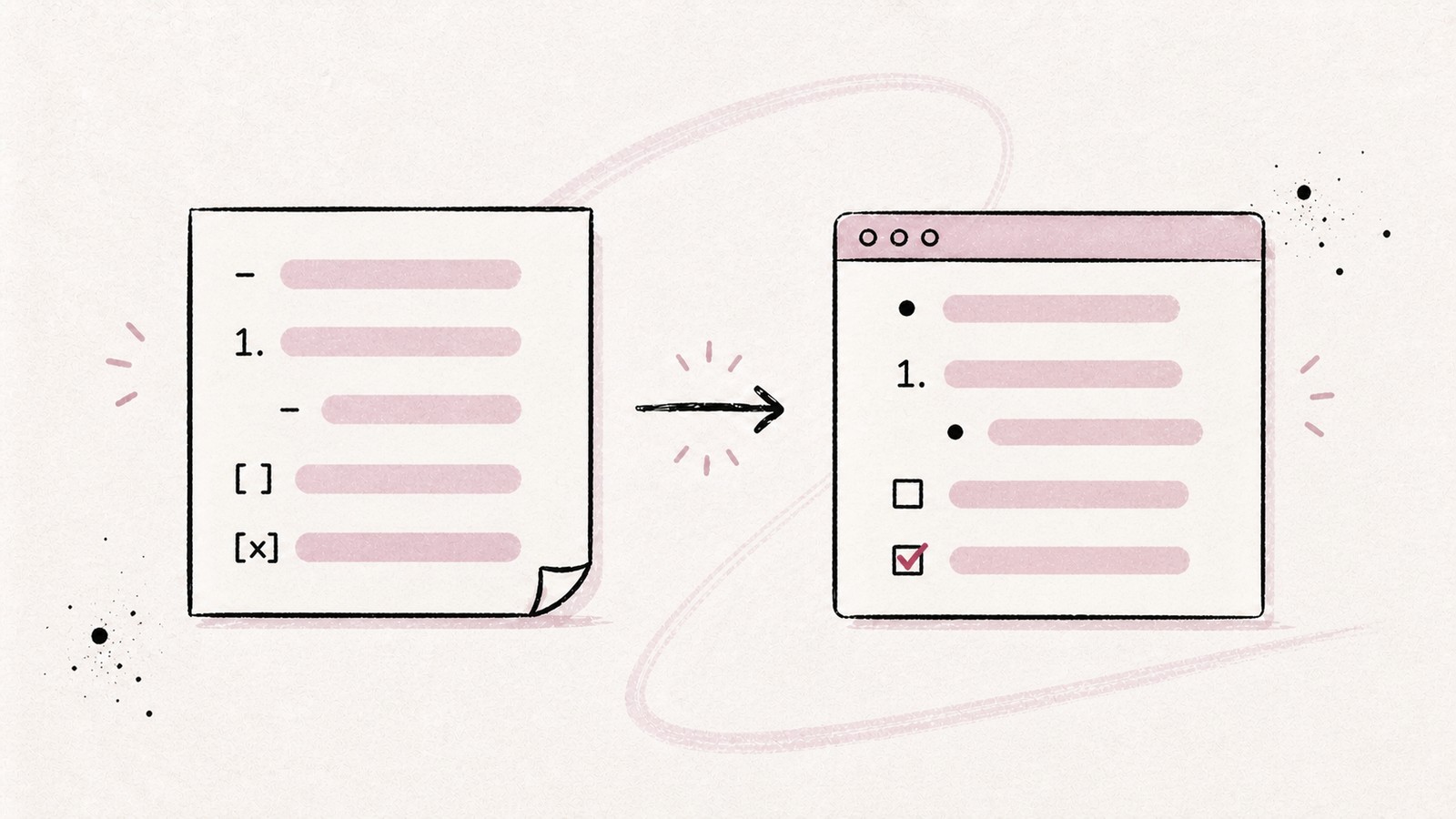
Markdown Lists: Bullets, Numbering, Nesting, and Checkboxes
Learn how to create bulleted, numbered, nested, and task lists in Markdown, then avoid common indentation and rendering issues.
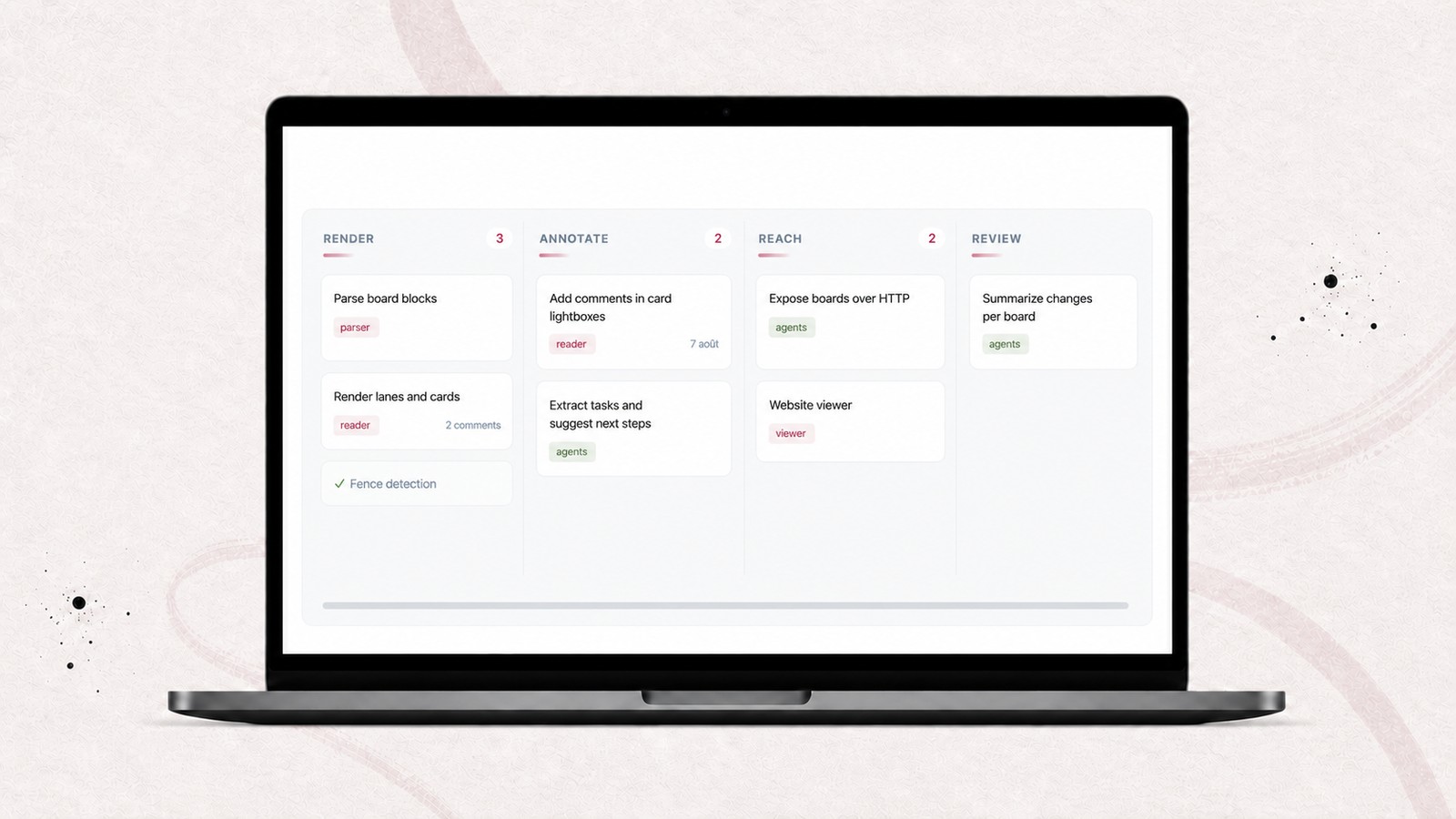
Create a Kanban Board in Markdown with Fude and AI Agents
Fude turns a Markdown block into a Kanban board. Learn how to ask an AI agent to create your board, add cards, tags, and due dates, then review it in Fude.
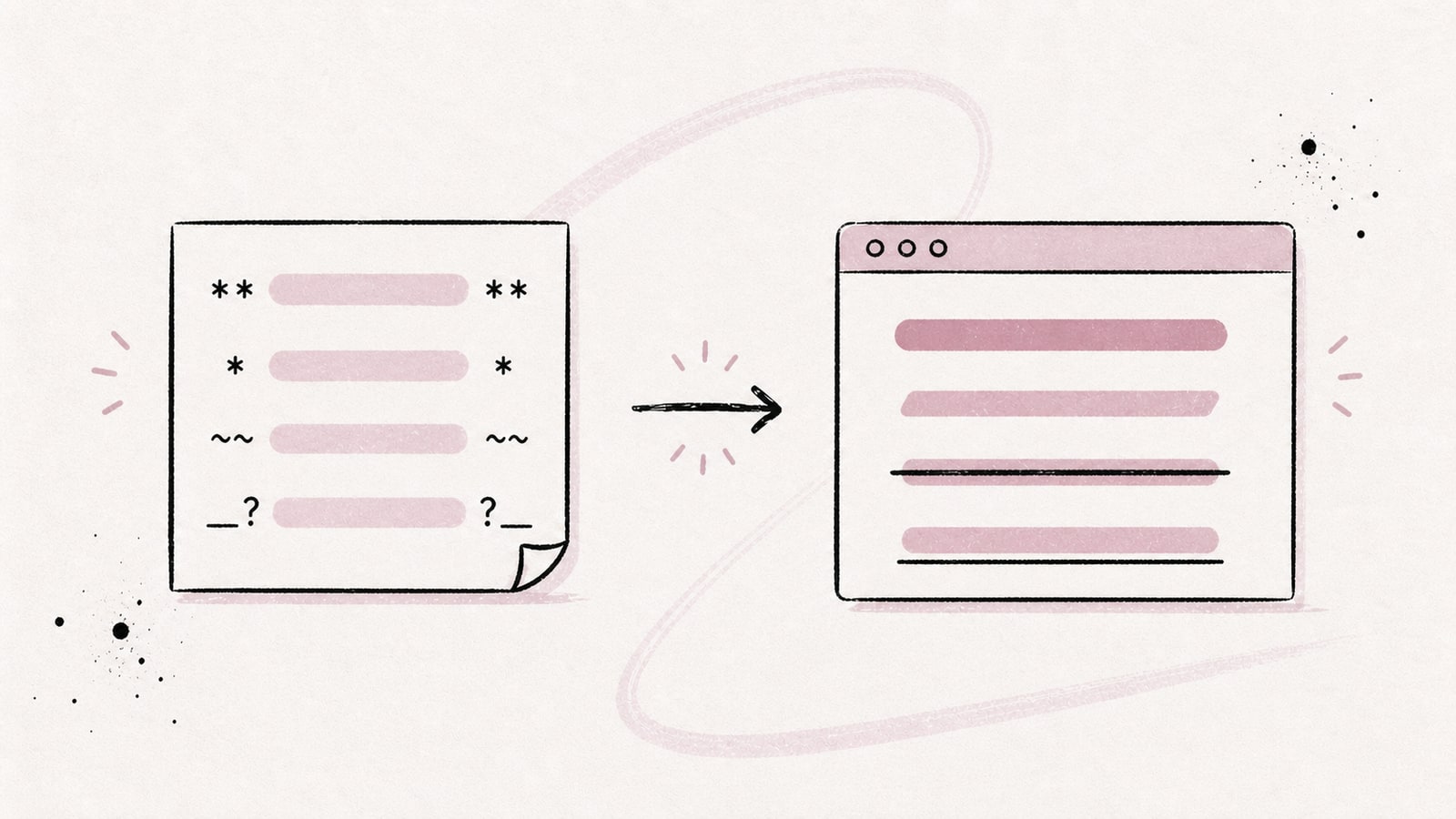
Bold, Italic, Strikethrough, and Underline in Markdown
Learn how to write bold, italic, and strikethrough text in Markdown, handle underline and highlighting, and compare rendering in GitHub, Obsidian, and Fude.
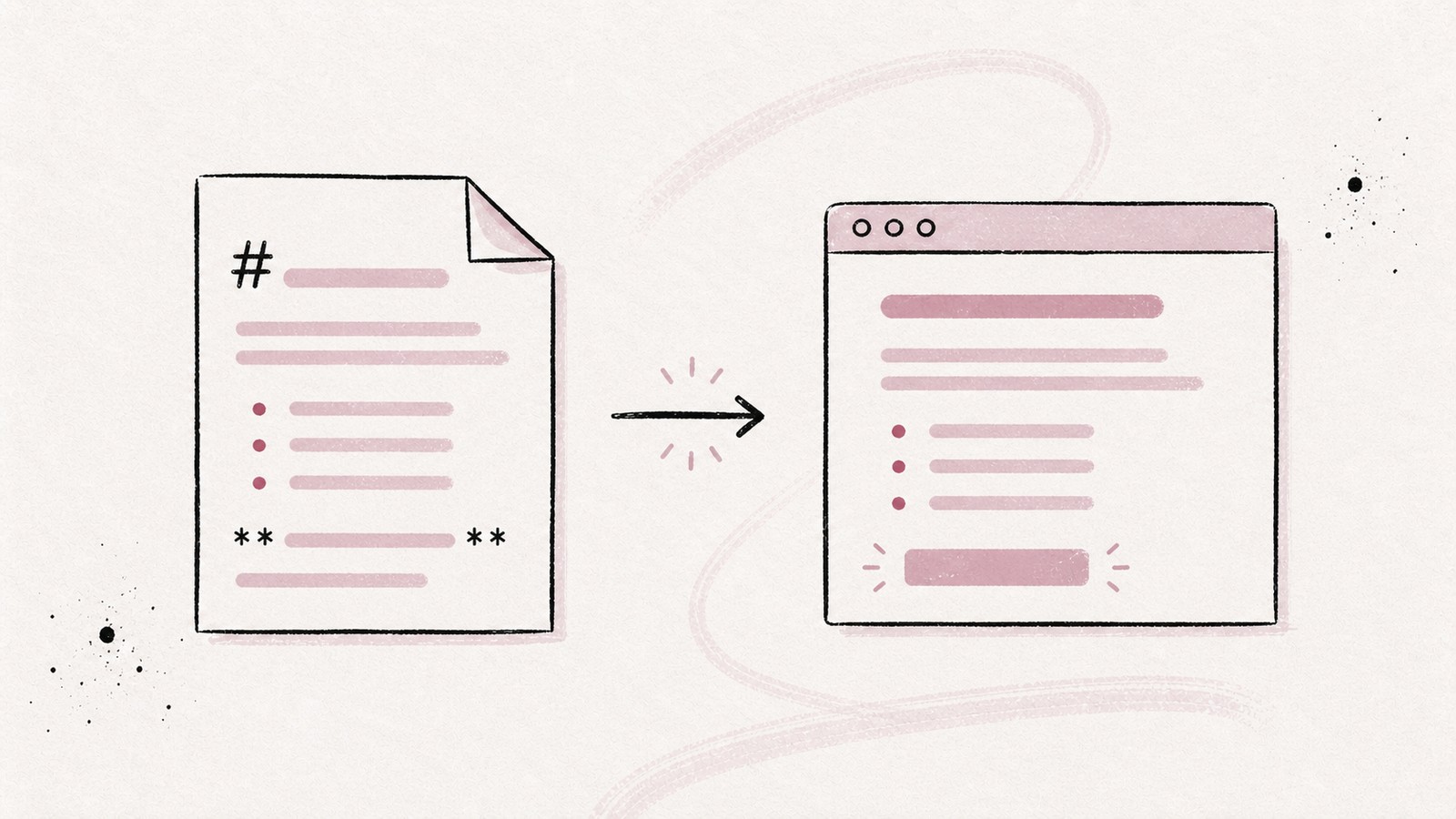
What Is a Markdown File (.md) and How Do You Open It?
Learn what a Markdown file contains, how to open a .md file on Mac, Windows, or in a browser, and which tool to choose for reading or editing it.
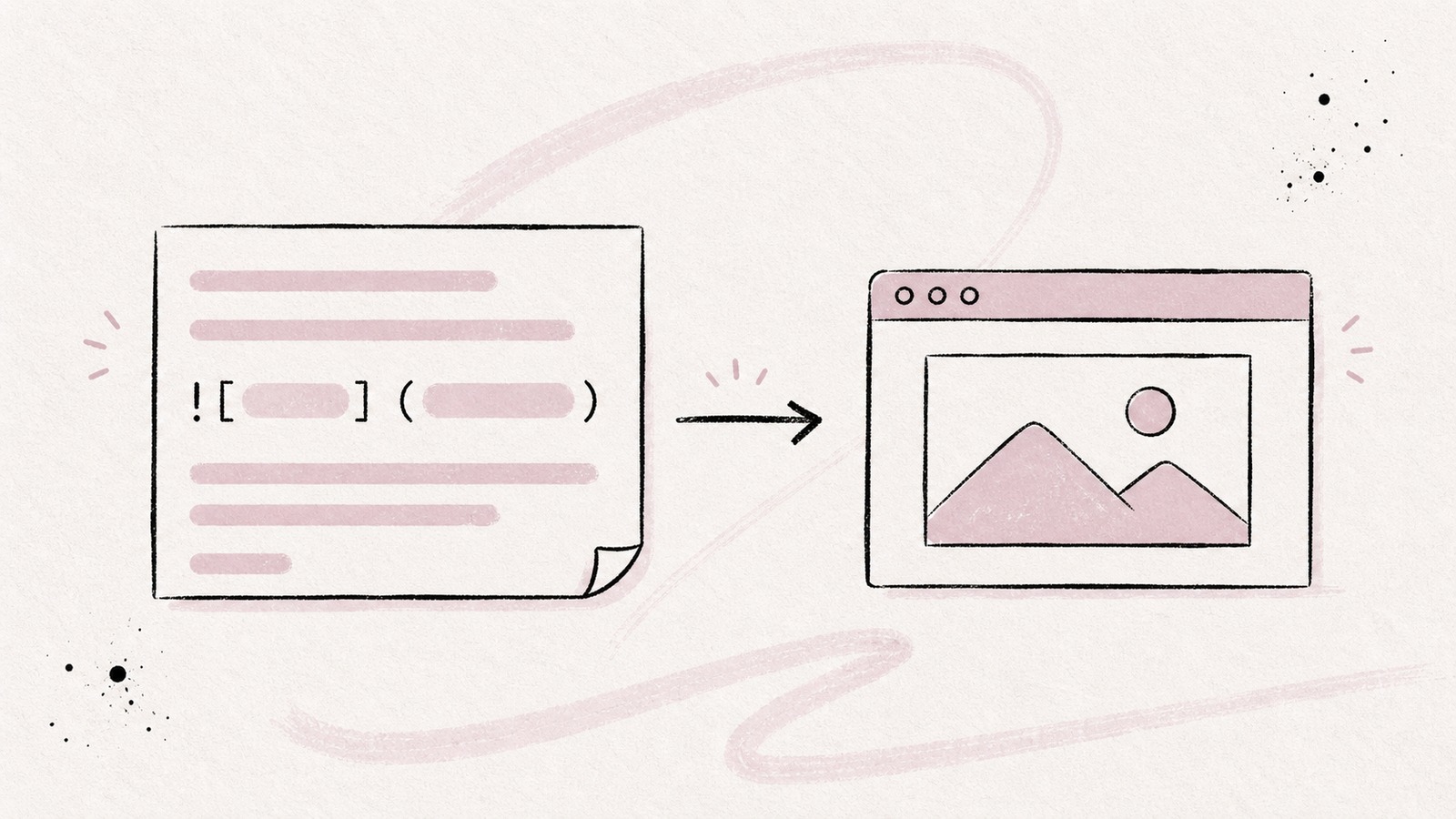
How to Add Images in Markdown
Learn how to add images in Markdown, write useful alt text, use relative paths, resize images, add captions, and handle GitHub, Obsidian, and Fude-specific behavior.
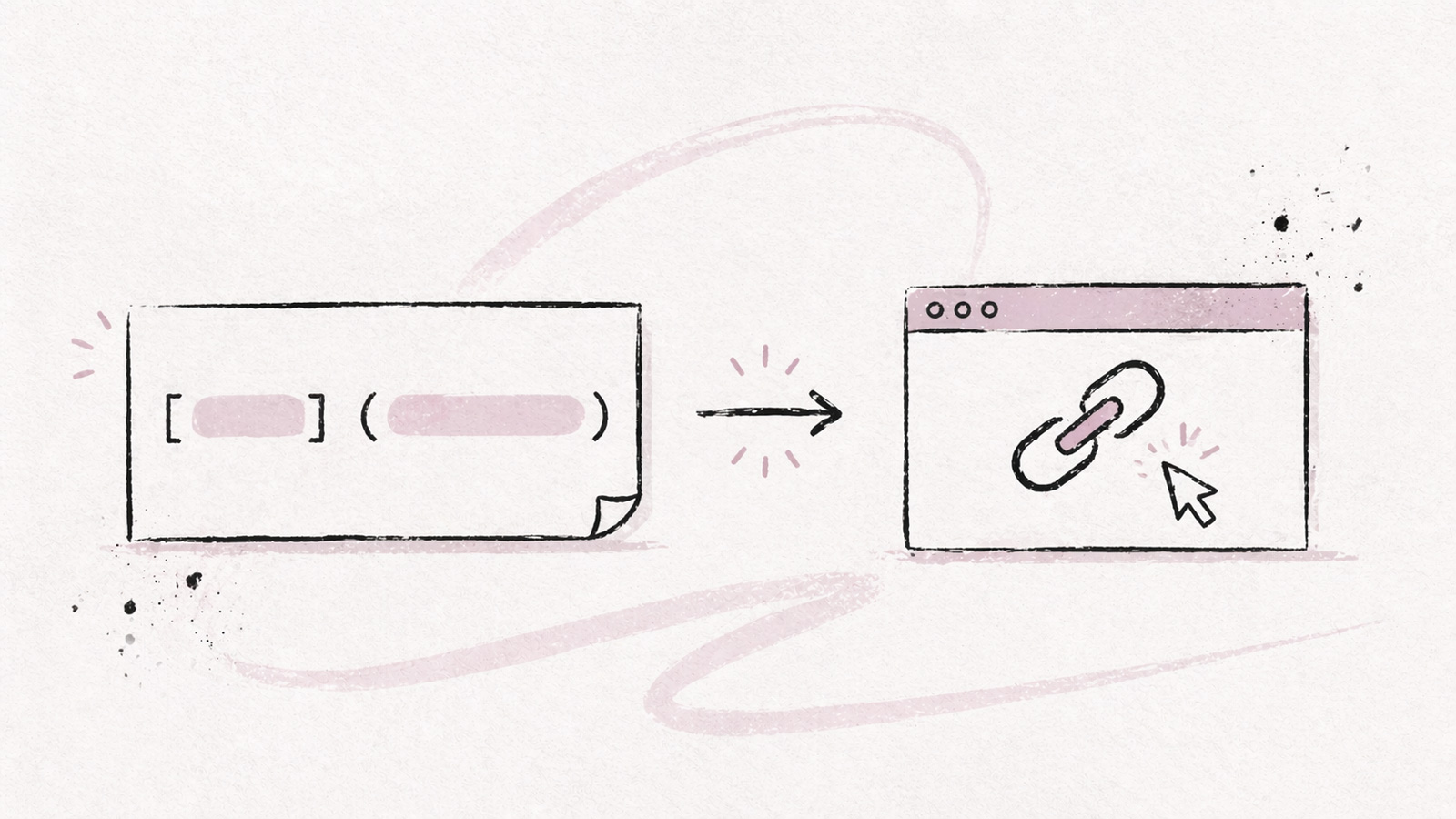
How to Create Links in Markdown
Learn every type of Markdown link: inline, reference, anchor, relative, email, and image links. Covers GitHub, Obsidian, and common pitfalls with examples.
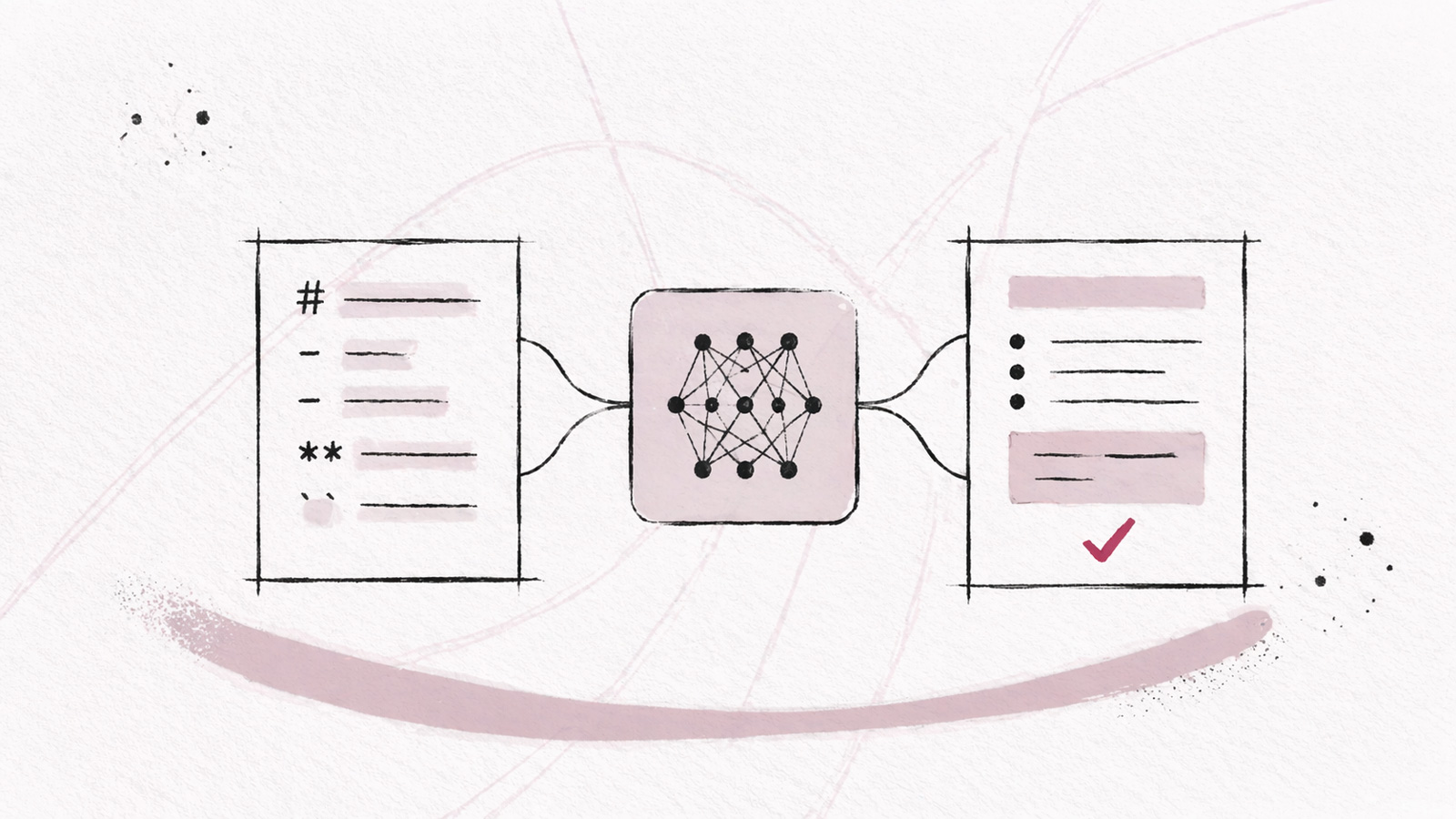
Markdown and AI: why all LLMs adopted this format
LLMs output Markdown with every response. It's not a coincidence: token efficiency, semantic structure, training corpus. Here is why all LLMs adopted Markdown as their native format, and what it changes for you.
Markdown Table: Complete Guide with Examples
Learn how to create, align, and format Markdown tables. Covers syntax, multiline cells, merge workarounds, and tool-specific behavior in GitHub, Obsidian, and more.

How to Add a Horizontal Line in Markdown
Learn how to add a horizontal line in a Markdown file, avoid common pitfalls and customize its design.

Fude, a Markdown reader for the AI era
With the advent of AI, Markdown has become essential. I am creating the ultimate Markdown reader: clean, synced, ready for AI agents, available on Mac, Windows, iOS, and Android.
Markdown Blockquotes: Syntax, Nesting, and Callouts
Learn how to create and nest Markdown blockquotes, cite a source, and use NOTE, TIP, IMPORTANT, WARNING, and CAUTION callouts.
Markdown Lists: Bullets, Numbering, Nesting, and Checkboxes
Learn how to create bulleted, numbered, nested, and task lists in Markdown, then avoid common indentation and rendering issues.
Create a Kanban Board in Markdown with Fude and AI Agents
Fude turns a Markdown block into a Kanban board. Learn how to ask an AI agent to create your board, add cards, tags, and due dates, then review it in Fude.
Bold, Italic, Strikethrough, and Underline in Markdown
Learn how to write bold, italic, and strikethrough text in Markdown, handle underline and highlighting, and compare rendering in GitHub, Obsidian, and Fude.
What Is a Markdown File (.md) and How Do You Open It?
Learn what a Markdown file contains, how to open a .md file on Mac, Windows, or in a browser, and which tool to choose for reading or editing it.
How to Add Images in Markdown
Learn how to add images in Markdown, write useful alt text, use relative paths, resize images, add captions, and handle GitHub, Obsidian, and Fude-specific behavior.
How to Create Links in Markdown
Learn every type of Markdown link: inline, reference, anchor, relative, email, and image links. Covers GitHub, Obsidian, and common pitfalls with examples.
Markdown and AI: why all LLMs adopted this format
LLMs output Markdown with every response. It's not a coincidence: token efficiency, semantic structure, training corpus. Here is why all LLMs adopted Markdown as their native format, and what it changes for you.
Markdown Table: Complete Guide with Examples
Learn how to create, align, and format Markdown tables. Covers syntax, multiline cells, merge workarounds, and tool-specific behavior in GitHub, Obsidian, and more.
How to Add a Horizontal Line in Markdown
Learn how to add a horizontal line in a Markdown file, avoid common pitfalls and customize its design.
Fude, a Markdown reader for the AI era
With the advent of AI, Markdown has become essential. I am creating the ultimate Markdown reader: clean, synced, ready for AI agents, available on Mac, Windows, iOS, and Android.